How to Build an API Load Testing Plan
Plan your workload, test data, success criteria, and observations before sending traffic.
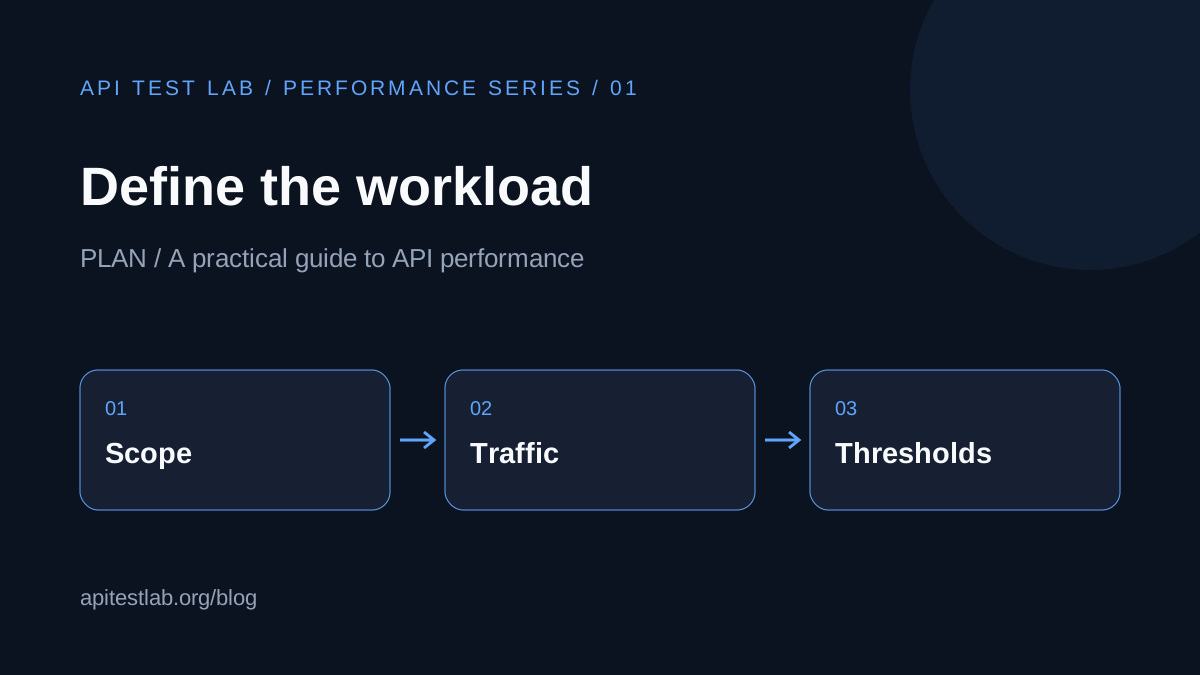
Part 1 of the API performance testing series. Plan your workload, test data, success criteria, and observations before sending traffic.
Start with a user journey
A useful load test answers a specific question: can the checkout journey handle the traffic expected during a promotion? List the endpoints involved, their request methods, and the dependencies each step touches. A fast health endpoint says little about an order creation endpoint that writes to a database.
Write down which environment you will use, who owns the test, and what changes since the previous run. Use a staging environment you control with representative data and capacity. Record differences from production so the results have clear limits.
Turn traffic into a workload
Choose whether your scenario represents concurrent users or an arrival rate. Concurrent users execute journeys, often with pauses between steps. Arrival rate describes how many new requests or journeys begin per second. These are different inputs; 100 users does not automatically mean 100 requests per second.
Include the request mix. For a hypothetical catalog service, a starting mix might be 70% browsing, 20% search, and 10% cart updates. These numbers are examples, not a universal target. Replace them with observations from your own traffic.
Prepare realistic test data
Use multiple accounts and resource IDs rather than repeating one cached request. Make enough records for the planned run, and decide how created orders or carts will be cleaned up. Keep credentials outside shared reports and use synthetic personal data.
Validate the journey with a single user first. Check response status, required fields, and business outcomes. A request returning HTTP 200 with an error object is not a successful purchase.
Define the pass criteria before running
| Measure | Example criterion | Why it matters |
|---|---|---|
| p95 latency | Below 500 ms | Describes most requests |
| Failure rate | Below 1% | Separates speed from correctness |
| Completed journeys | Meets planned arrival rate | Confirms useful work was done |
| Resource usage | No growing queue | Reveals accumulating pressure |
These are illustrative thresholds. Use your service commitments and user expectations to choose real limits. Specify the measurement window and whether warm-up traffic is excluded.
Keep a repeatable run record
Save the workload, application version, environment size, data setup, duration, and thresholds beside the result. Change one major variable at a time when investigating regressions. If one run doubles traffic and changes the database size, you cannot confidently attribute the difference.
Start with the existing API load testing guide, then continue to the next article in this series for choosing a traffic profile.
Continue the series
1. How to Build an API Load Testing Plan
2. Load, Stress, Spike, and Soak Testing Explained
3. How to Read API Load Test Results
More from the blog
Read 3 related articles from our latest posts.