API Authentication Testing: Bearer Tokens, API Keys, and JWT Errors
Test API authentication safely with bearer tokens, API keys, and JWTs. Check valid, missing, expired, malformed, and under-scoped credentials.
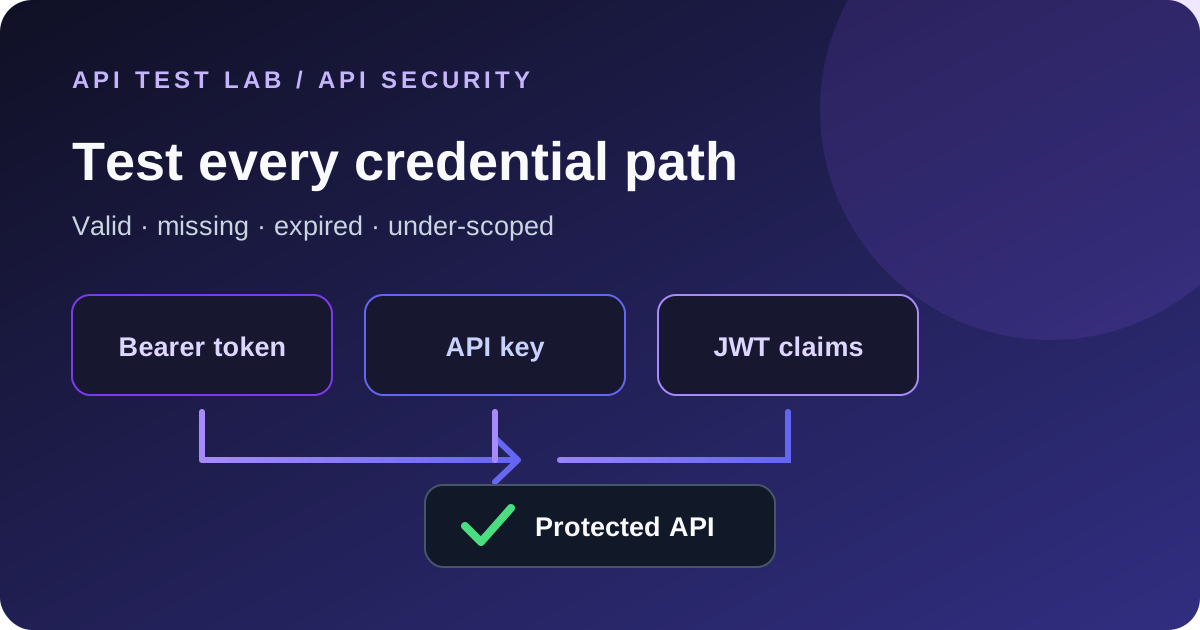
Authentication tests answer a simple question: does the API accept the right credential and reject the wrong one without leaking protected data? A useful test suite checks more than the happy path. It covers missing, malformed, expired, revoked, and under-scoped credentials as well.
Run these checks only against an API and test account you are authorized to use. Use short-lived test credentials, keep them out of source control and screenshots, and never paste production secrets into a shared request.
Start with the request contract
Before testing, find out where the API expects credentials, how they expire, and which permissions each test account has. Common schemes include:
| Scheme | Typical request | What to verify |
|---|---|---|
| Bearer token | `Authorization: Bearer …` | Token validity, expiry, audience, and scopes |
| API key | `X-API-Key: …` or a documented query/header field | Key validity, revocation, and key permissions |
| JWT | Usually a bearer token | Signature, issuer, audience, expiry, and claims |
Follow the API's documentation. Do not guess an API-key header or send the same secret in several places; ambiguous requests make failures harder to diagnose.
Build a safe bearer-token test
Use a placeholder while drafting the request:
GET /v1/profile HTTP/1.1
Host: api.example.com
Authorization: Bearer YOUR_TEST_TOKEN
Accept: application/json
Send the token in the `Authorization` header, not in the URL. URLs can be copied into logs, browser history, analytics, and proxy records. In API Test Lab, choose Bearer in the Auth section and enter only the token value; the tool adds the `Bearer` prefix.
Run at least these cases:
| Case | Expected result |
|---|---|
| Valid token with required scope | Contract's success status and expected response fields |
| No token | Usually 401, with no protected response data |
| Malformed token | Authentication failure, without a stack trace |
| Expired or revoked token | Authentication failure, with a safe error body |
| Valid token without required scope | Often 403; confirm the API's documented policy |
Status conventions can vary, so assert the documented contract rather than relying on the table alone. Our bearer-token API testing guide walks through a reproducible local fixture.
Test API keys without exposing them
API keys are often passed in a header such as `X-API-Key`, but the API owner chooses the exact name. Store a test key in your local environment or the API client's secret-variable facility. Reference it by variable name in the request and avoid exporting it with an environment file that contains the secret.
Check a valid key, a missing key, a typo, a revoked key, and a key with a restricted plan or scope. Confirm the server does not include the submitted key in error messages or response bodies. If keys can be rotated, test that the old key stops working after rotation and the new key works.
Test JWT validation, not just JWT parsing
A JWT is a formatted token, not proof that it is trustworthy. Decoding its payload only reveals claims; it does not validate the signature. The API should verify the signing key and expected algorithm, issuer, audience, expiration, and any required claims.
Useful negative cases include an expired `exp`, an unexpected `iss` or `aud`, a modified payload with an unchanged signature, a missing required claim, and a token signed with an untrusted key. A secure API should reject each case without returning sensitive details about its key material or validation internals.
Do not change a live token to create these cases. Use a test issuer and keys controlled by your team.
Make assertions about data and headers
For each credential case, assert more than the status code:
- The response content type and body match the documented error or success schema.
- Protected fields are absent from unauthorized responses.
- The response does not echo the credential.
- A `WWW-Authenticate` header is present when the API contract uses it.
- Expiry and revocation take effect within the documented time.
- Rate limits and lockout behavior do not reveal whether a user or key exists.
Keep credentials out of captured request examples that will be shared with teammates. In API Test Lab, use a secret variable for the test credential, send each positive and negative case, and save the assertions with the request so the checks are repeatable.
Diagnose 401 and 403 responses
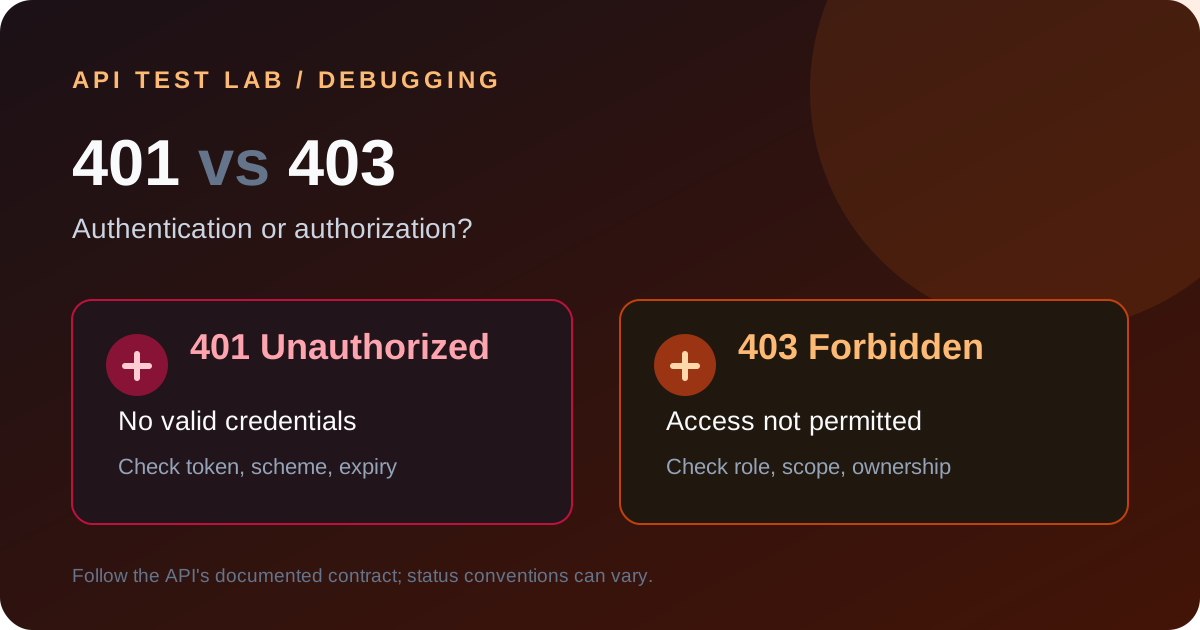
Check the header name and exact format first. Then check whitespace, token expiry, environment selection, clock skew, scopes, and whether a proxy strips the authorization header. If the server recognizes the caller but denies the operation, compare its permission policy with the requested resource. See 401 vs 403 errors for a focused debugging flow.
When a browser request fails while the same request succeeds in a desktop client, inspect CORS and preflight behavior too. The Postman works but browser fails guide explains that browser policy separately from API authentication.
A compact authentication test checklist
1. Keep one authorized test identity per permission level.
2. Use short-lived, non-production credentials.
3. Cover valid, missing, malformed, expired, revoked, and under-scoped credentials.
4. Assert response body, headers, and protected-data behavior.
5. Verify rotation and expiry using the API's documented timing.
6. Remove secrets from logs, screenshots, exported collections, and bug reports.
This gives you confidence that authentication works for intended callers and fails safely for everyone else.
More from the blog
Read 3 related articles from our latest posts.