API Works in Postman but Not in Browser? Fix CORS Errors
Learn why browser requests fail while Postman works, how to read CORS and preflight errors, and how to configure safe CORS headers in Express and FastAPI.
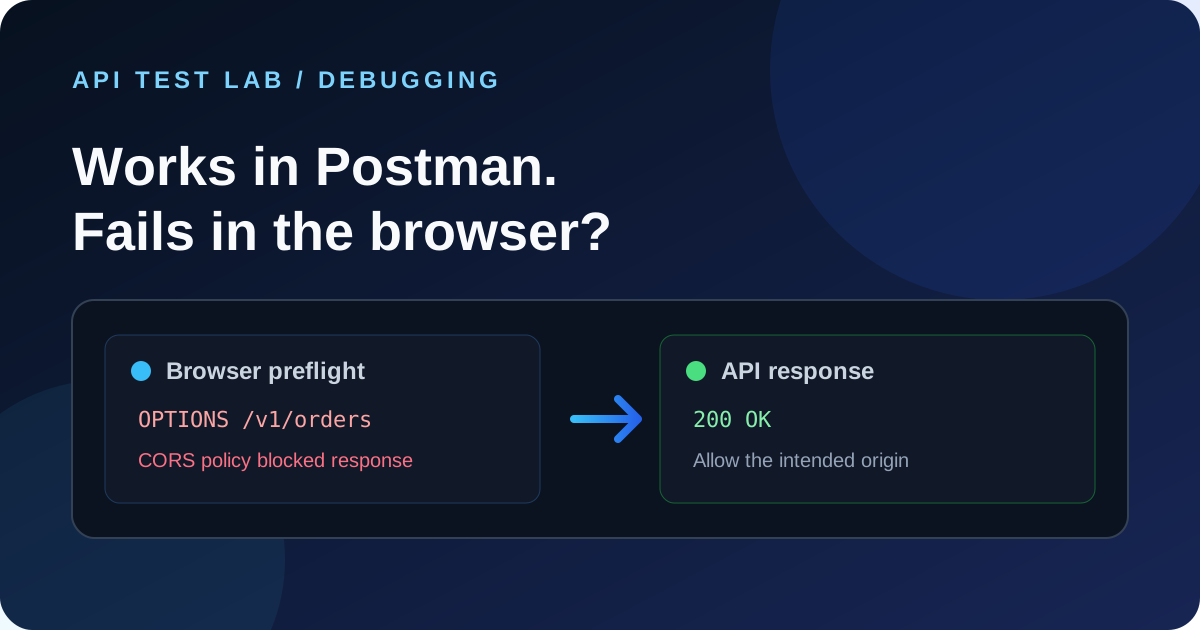
The API returns a response in Postman, but a `fetch()` call from your website fails with a CORS message. That usually means the browser blocked JavaScript from reading the response because the API did not allow the website's origin. It does not automatically mean the endpoint is down.
Postman is not governed by the browser's same-origin policy. A request that succeeds there can still be rejected by a browser before your application gets access to the response.
Read the browser error first
Open DevTools, select Network, reproduce the request, and inspect both the request and its response. A common console message looks like:
Access to fetch at 'https://api.example.com/v1/orders' from origin
'https://app.example.com' has been blocked by CORS policy:
Response to preflight request doesn't pass access control check:
No 'Access-Control-Allow-Origin' header is present on the requested resource.
The important clues are the origin, whether the browser sent an `OPTIONS` request, and which `Access-Control-Allow-*` header is absent. A CORS error in the console can also hide the server's underlying 401, 404, or 500 response, so inspect the Network panel and server logs too.
Check whether the browser sends a preflight
Browsers send a preflight `OPTIONS` request before some cross-origin requests. JSON content types, authorization headers, and methods such as `PATCH` commonly trigger it. The browser asks whether the actual method and headers are allowed before sending the real request.
You can reproduce that check with `curl`:
curl -i -X OPTIONS 'https://api.example.com/v1/orders' \
  -H 'Origin: https://app.example.com' \
  -H 'Access-Control-Request-Method: POST' \
  -H 'Access-Control-Request-Headers: authorization,content-type'
A successful preflight should return a 2xx response and headers that allow the requesting origin, method, and headers. For this request, look for values similar to:
Access-Control-Allow-Origin: https://app.example.com
Access-Control-Allow-Methods: GET, POST, OPTIONS
Access-Control-Allow-Headers: Authorization, Content-Type
Vary: Origin
`curl` shows what the server returns; it does not enforce CORS. A successful `curl` request alone cannot prove a browser will allow the response.
Configure an explicit origin
For a small Express API, the `cors` package can handle the preflight response and the actual request. Keep the allowed origins in configuration so production and local development can use different values.
import express from 'express'
import cors from 'cors'

const app = express()
const allowedOrigins = new Set([
  'https://app.example.com',
  'http://localhost:3000',
])

app.use(cors({
  origin(origin, callback) {
    // Requests without Origin include curl and server-to-server callers.
    if (!origin || allowedOrigins.has(origin)) return callback(null, true)
    return callback(new Error('Origin is not allowed by CORS'))
  },
  methods: ['GET', 'POST', 'PUT', 'PATCH', 'DELETE', 'OPTIONS'],
  allowedHeaders: ['Authorization', 'Content-Type'],
}))

app.use(express.json())
app.post('/v1/orders', (req, res) => res.status(201).json({ id: 'order_demo' }))
Register CORS middleware before routes that need to answer preflights. If the browser sends cookies, configure credentials deliberately and return the exact allowed origin; `Access-Control-Allow-Origin: *` cannot be combined with credentialed requests.
For FastAPI, add `CORSMiddleware` near app setup and enumerate the browser origins, methods, and headers the frontend needs:
from fastapi import FastAPI
from fastapi.middleware.cors import CORSMiddleware

app = FastAPI()
app.add_middleware(
    CORSMiddleware,
    allow_origins=["https://app.example.com", "http://localhost:3000"],
    allow_credentials=False,
    allow_methods=["GET", "POST", "PUT", "PATCH", "DELETE", "OPTIONS"],
    allow_headers=["Authorization", "Content-Type"],
)
If you use cookies, set `allow_credentials=True` and keep `allow_origins` explicit. Do not use a wildcard origin for authenticated browser traffic.
Check the usual causes
1. Wrong origin: An origin includes scheme, host, and port. `http://localhost:3000` and `http://localhost:5173` are different origins.
2. Preflight is rejected: The API, proxy, or authentication middleware may reject `OPTIONS` before CORS middleware can answer it.
3. A custom header is missing: Add headers such as `Authorization` to the server's allowed-header list.
4. A redirect changes the request: Check whether HTTPS redirects, login redirects, or trailing-slash redirects happen before the API responds.
5. The actual error is hidden: A gateway or application may return an error without CORS headers. Fix the server error and make sure error responses carry the appropriate CORS headers too.
6. Credentials and wildcard origin conflict: Credentialed requests need an explicit origin and `Access-Control-Allow-Credentials: true`.
Test the fix from the browser
1. Open the page on the exact frontend origin you intend to support.
2. In DevTools Network, confirm the `OPTIONS` request returns the expected allow-origin, allow-methods, and allow-headers values.
3. Confirm the browser then sends the actual request and your code can read its response.
4. Repeat with a disallowed origin and verify the browser cannot read the response.
5. Test error responses as well as success responses so a 401 or 500 does not turn into an unhelpful CORS-only message.
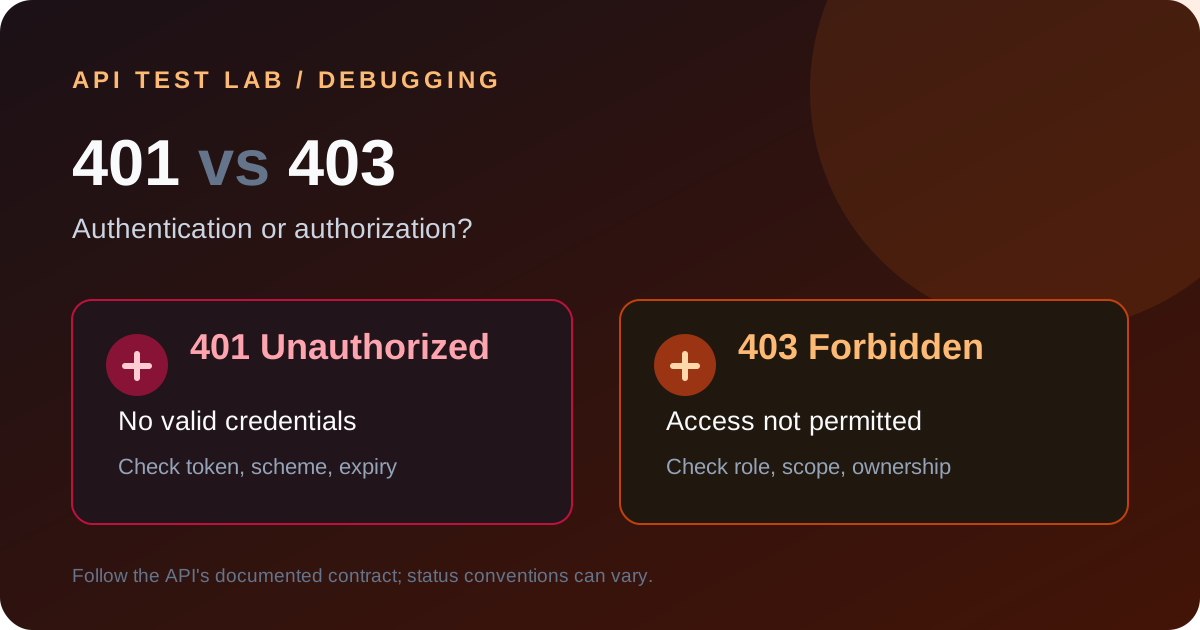
In API Test Lab, send the same method, URL, and headers in the request builder and compare the API response with the browser's Network entries. The request builder can help confirm endpoint behavior, but the browser remains the authority for whether your frontend origin is allowed. For a step-by-step REST request workflow, see how to test a REST API. If the request reaches the API and returns an authorization error, continue with 401 vs 403 API errors.
Frequently asked questions
Why does Postman ignore CORS?
Postman is a desktop API client and is not subject to a webpage's browser same-origin policy. It can send a request that browser JavaScript is not allowed to make or read.
Should I disable CORS in the browser?
No. Disabling browser security hides the production problem and makes local testing less representative. Configure the API to allow the real frontend origin.
Is CORS an API authentication feature?
No. CORS controls which browser origins can read responses. It does not authenticate callers or stop non-browser clients from sending requests. Keep normal authentication and authorization checks on the API.
More from the blog
Read 3 related articles from our latest posts.