401 vs 403 Errors: Differences, Causes, and API Debugging
Understand what 401 Unauthorized and 403 Forbidden mean, how to diagnose each response, and what to check in credentials, scopes, and access rules.
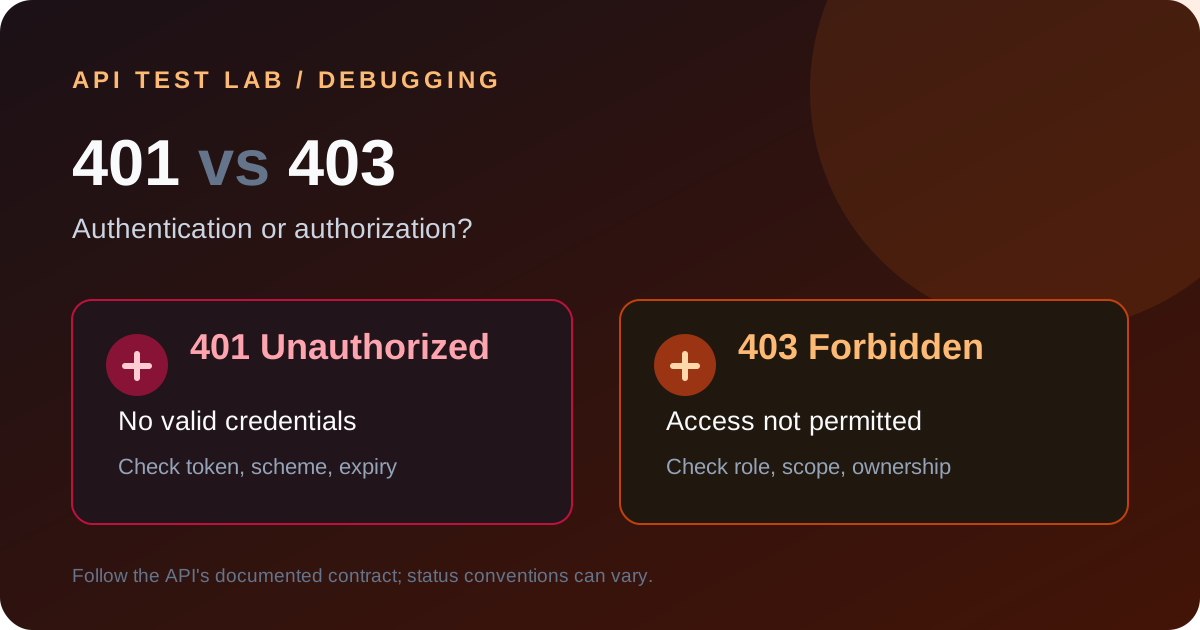
The short version: `401 Unauthorized` means the request lacks acceptable authentication credentials; `403 Forbidden` means the server understood the request but refuses to authorize it. The names can be confusing, and real APIs do not always follow the convention perfectly, so use the API's documented behavior as the final contract.
What a 401 response usually means
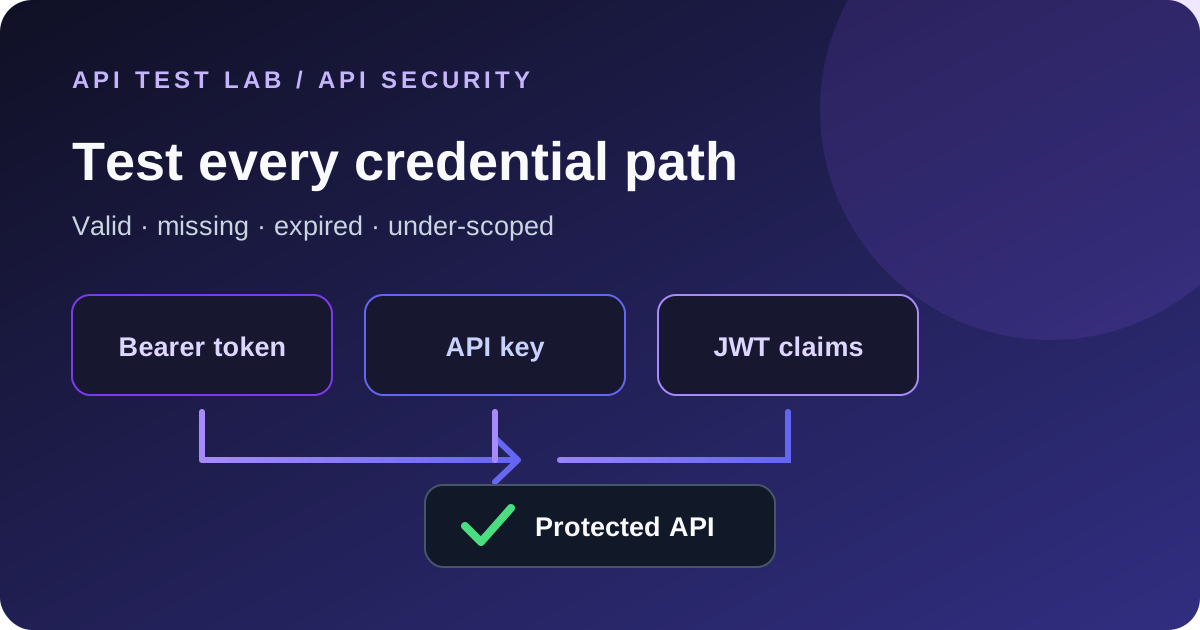
Check for a missing `Authorization` header, the wrong authentication scheme, a malformed token, an expired credential, or a token issued for a different environment. A bearer token normally has this shape:
Authorization: Bearer YOUR_TEST_TOKENThe word `Bearer` must be followed by a space and the token. Do not include quotation marks unless the API documentation requires them. Do not put credentials in a URL.
An API can include a `WWW-Authenticate` header to describe the required authentication scheme. Error bodies should help the caller correct the request without revealing secrets or internal validation details.
What a 403 response usually means
A 403 often means the caller is authenticated but lacks permission for the requested action or resource. Check role membership, token scopes, tenant or organization selection, resource ownership, feature entitlement, and policy rules. Some APIs return 404 instead to avoid confirming that a protected resource exists; follow the service's documented security policy.
A safe debugging sequence
1. Confirm the URL and environment. Make sure the request targets the expected host, API version, and tenant.
2. Inspect the outgoing credential. Check the header name and scheme, but redact the secret before sharing logs or screenshots.
3. Check credential state. Verify that a test token or API key is active, unexpired, and issued by the expected identity provider.
4. Check permissions. Compare the requested operation with the caller's role and the credential's scopes.
5. Compare a known-good request. Change one variable at a time: identity, scope, method, or resource.
6. Read server-side logs. Correlate the request ID and timestamp; do not log raw tokens.
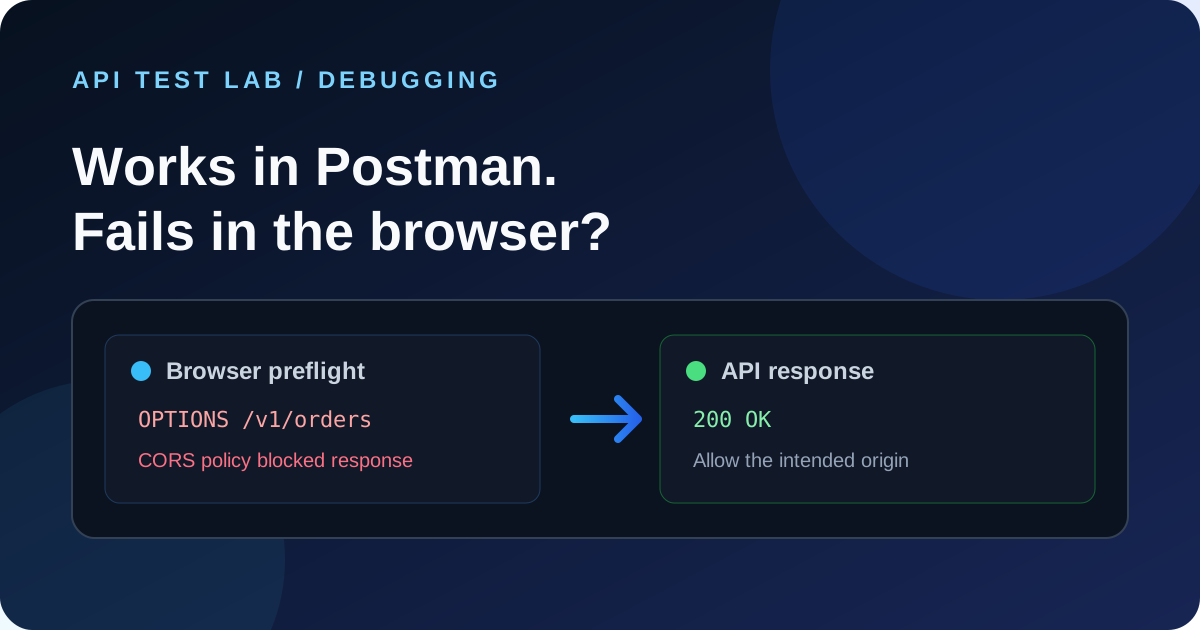
7. Check browser policy separately. If the browser console reports CORS, inspect the preflight and response headers. A CORS message can obscure the underlying HTTP error.
Test both status codes intentionally
Use a test account with a known permission set and a non-production token. Run a matrix like this:
| Credential | Permission | Expected outcome |
|---|---|---|
| Missing | None | Authentication failure, commonly 401 |
| Invalid or expired | Any | Authentication failure, commonly 401 |
| Valid | Required scope | Documented success response |
| Valid | Missing required scope | Authorization failure, commonly 403 |
| Valid | Different user's protected resource | Deny access or conceal existence, per contract |
For every case, assert the status, response schema, relevant headers, and absence of protected data. Check that a failed request does not cause a mutation or disclose whether a private account exists.
In API Test Lab, save each credential case as a separate request or scenario, keep test secrets in protected variables, and compare the response with the documented expectation. The bearer-token testing guide shows a safe local example. For the full set of schemes and JWT checks, read API authentication testing.
Common debugging traps
- Fixing the client when the role is wrong: A syntactically valid token can still lack the required scope.
- Changing a production credential to reproduce an error: Use test identities and short-lived test credentials instead.
- Assuming a 200 means success: A GraphQL endpoint may return HTTP 200 with an `errors` array; inspect the response body.
- Treating CORS as authorization: CORS controls browser access to responses. The API still needs authentication and authorization checks.
- Sharing an unredacted trace: Remove bearer values, cookies, API keys, and personal data before sending diagnostics.
When to contact the API owner
Include the endpoint, method, timestamp, request ID, environment, redacted headers, status, and response body. State whether the credential should have the permission. Never include the raw secret. That information is usually enough for the API owner to distinguish authentication from authorization without weakening access controls.
More from the blog
Read 3 related articles from our latest posts.