k6 vs No-Code Tools: Which is Better for API Load Testing? (2026 Guide)
Compare k6 vs no-code tools for API load testing. Learn key differences, team fit, scalability, and the best no-code alternatives in 2026.
k6 vs no-code tools: k6 is a code-based load testing tool that uses JavaScript and is ideal for developers and automation workflows. No-code tools allow users to test APIs without writing code, making them faster and easier for teams. Choose k6 for flexibility and scalability, and no-code tools for speed and accessibility.
k6 vs No-Code Tools: Quick Answer
The main difference between k6 and no-code tools is how tests are created. k6 requires writing JavaScript code to define load testing scenarios, while no code api testing tools use visual interfaces to create tests without programming. k6 offers more control and scalability, while no-code tools are easier and faster for teams to use.
If your search query is k6 vs no code tools, this guide gives a practical answer focused on team workflow.
When teams start exploring API load testing, one question appears again and again: should you use a code-based tool like k6, or choose a no-code testing platform?
The answer is not simple, because both approaches solve different problems.
In this guide, you will understand:
- How k6 works
- What no-code tools offer
- Key differences between them
- Which one is right for your team
What is k6?
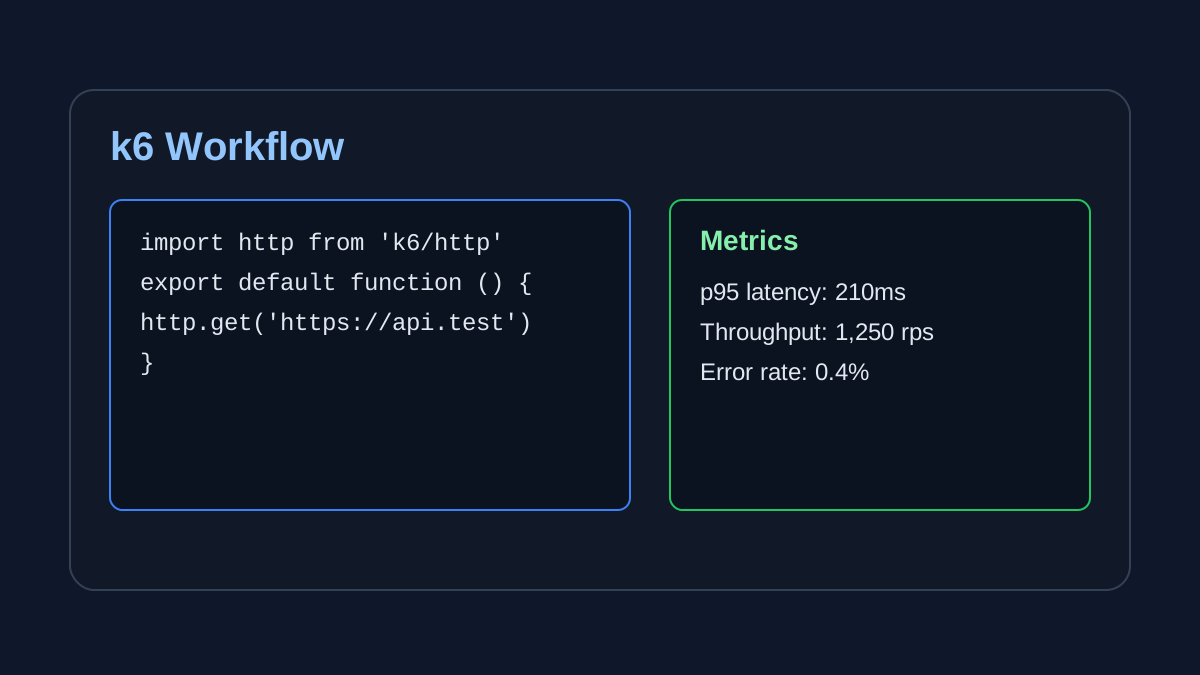
k6 is a modern, open-source load testing tool built for developers.
It uses JavaScript for writing test scripts and integrates well into CI/CD pipelines.
Key strengths of k6:
- Script-based testing in JavaScript
- High performance engine built in Go
- Strong DevOps and automation support
- Works well with APIs, microservices, and cloud systems
What are No-Code Load Testing Tools?
No-code tools allow you to:
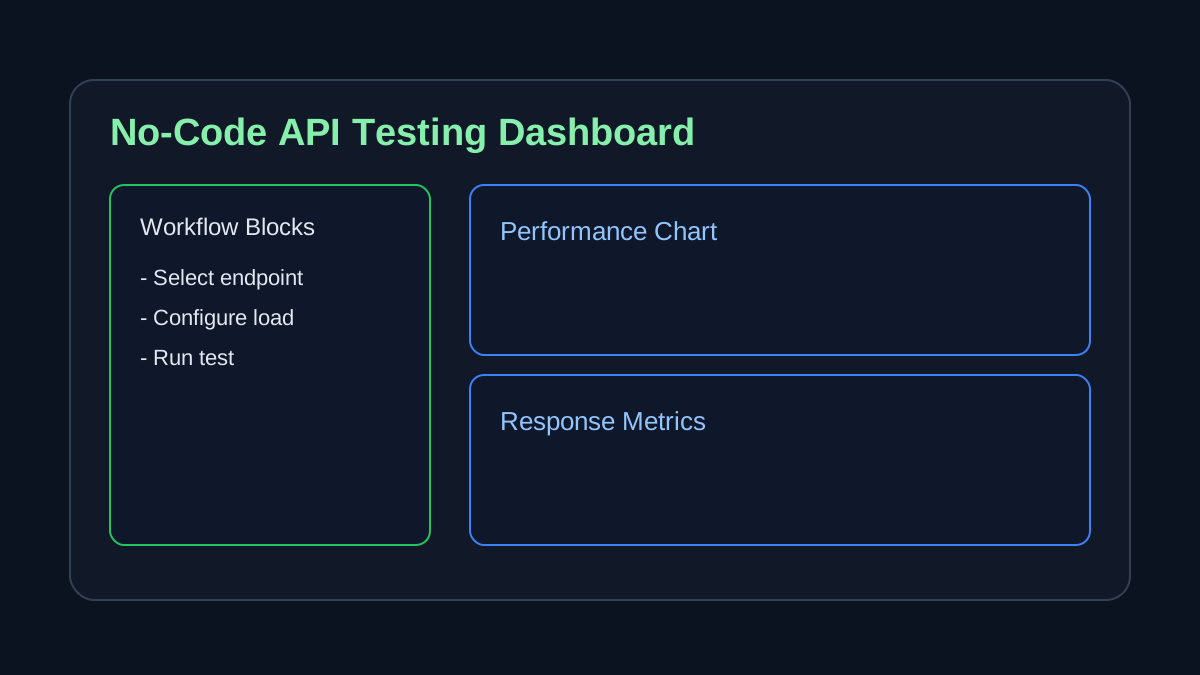
- Create tests using UI instead of code
- Record user flows
- Run tests without scripting knowledge
Examples include:
- Browser-based API testing tools
- Visual workflow builders
- SaaS load testing platforms
These tools focus on ease of use and accessibility, especially when teams need api load testing without coding.
k6 vs No-Code Tools Comparison
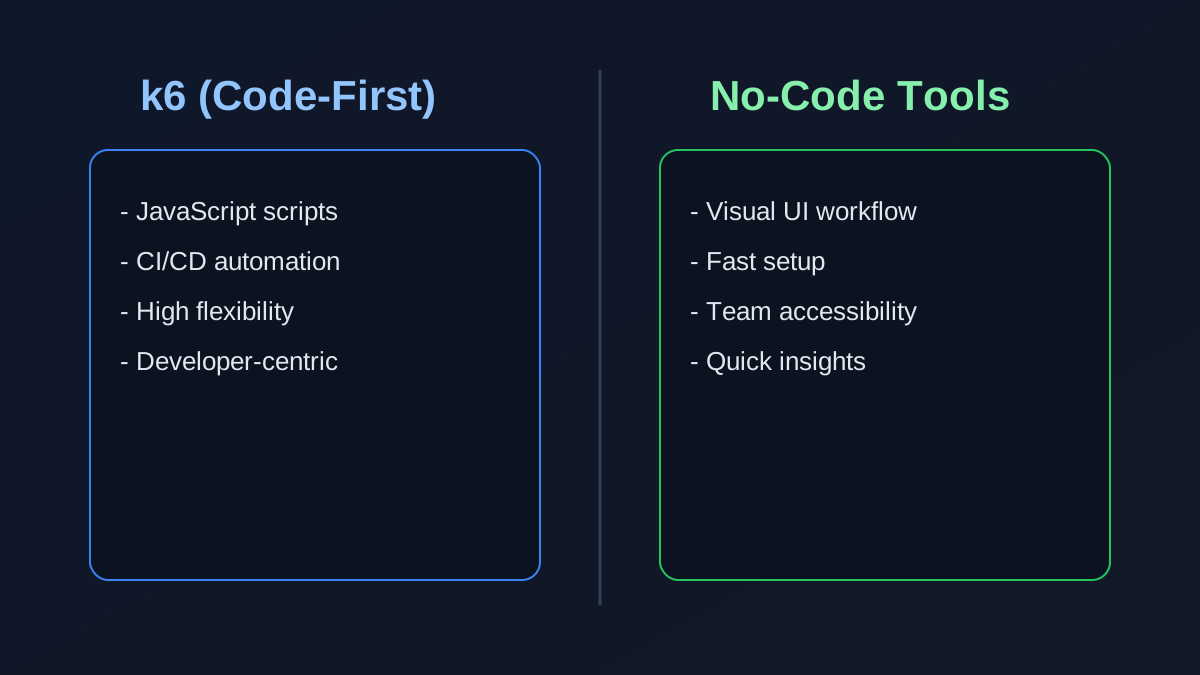
- k6: Code-based, requires JavaScript, high flexibility, best for developers
- No-code tools: Visual interface, no coding required, faster setup, best for teams
- k6: Ideal for CI/CD and automation pipelines
- No-code tools: Ideal for quick testing and collaboration
- k6: Steeper learning curve
- No-code tools: Beginner-friendly
This load testing tools comparison helps clarify workflow differences before committing.
A reliable load testing tools comparison should also consider who will maintain tests over time.
k6 vs No-Code Tools Core Difference
The real difference is not capability, it is workflow and usability.
| Aspect | k6 | No-Code Tools |
|---|---|---|
| Approach | Code-first | UI-based |
| Skill required | Developers | Anyone (QA, product, startup founders) |
| Setup | Medium | Very fast |
| Flexibility | Very high | Moderate |
| Team adoption | Limited to devs | Broad team usage |
If you are searching for k6 alternative no code options, this is where the decision usually starts.
Teams evaluating a k6 alternative no code approach usually prioritize onboarding speed and collaboration.
Why Developers Choose k6
k6 is powerful, and that is why it is growing fast.
1. Performance as code
Tests can be version-controlled and maintained like real code.
2. High scalability
k6 can simulate thousands of users efficiently.
3. CI/CD integration
Perfect for automated pipelines and DevOps workflows.
4. Developer-friendly ecosystem
JavaScript makes it familiar for developers.
Why Teams Move to No-Code Tools
Despite its power, k6 has a major limitation: it requires coding.
This creates problems for many teams.
1. Not accessible to non-developers
QA teams, product managers, and founders often struggle with scripting.
2. Slower test creation
Every test requires writing and maintaining code.
3. Team bottlenecks
Only developers can reliably manage tests.
Many teams prefer no code api testing tools to remove this friction and improve collaboration speed.
If you want to explore modern no-code platforms, check out our guide on the best free API testing tools to see how they compare to k6.
Real-World Insight
In practice:
- k6 is often used by DevOps or backend engineers
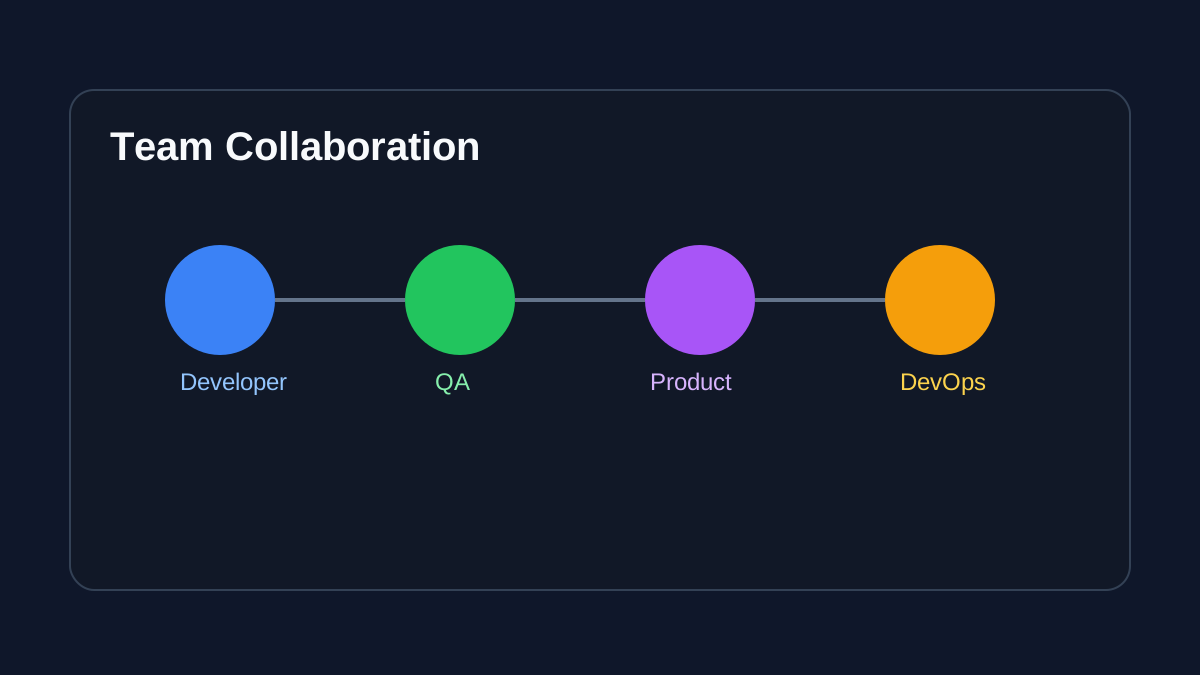
- No-code tools are used by entire teams
That difference affects:
- Speed of testing
- Collaboration
- Adoption
When to Use k6 vs No-Code Tools
Use k6 if:
- You need full control over test scripts
- You use CI/CD pipelines
- You are comfortable with JavaScript
- Your workflow is automation-heavy
Use no-code tools if:
- You want to test APIs without coding
- You need fast setup
- Your team includes non-developers
- You need quick performance insights
If your priority is api load testing without coding, no-code platforms are usually the faster path.
How to Choose Between k6 and No-Code Tools
1. Define your goal: Decide if you need basic API testing or full load testing with automation.
2. Check your technical skills: If you are comfortable with JavaScript, k6 is a strong option. If not, choose a no-code tool.
3. Evaluate team needs: Teams with QA, product managers, or non-developers benefit more from no-code tools.
4. Consider scalability: For large-scale testing and CI/CD pipelines, k6 is more flexible.
5. Test ease of use: Try a no-code API testing tool first to see if it meets your needs before moving to complex solutions.
For a deeper dive into load testing best practices, see our guide on how to load test APIs, which covers both k6 and no-code approaches.
The Hybrid Future
The industry is moving toward no-code plus automation combined.
Even tools like k6 are adding UI layers to reduce complexity.
That means:
- Code-only tools are evolving
- No-code tools are becoming more powerful
Final Verdict
There is no single best tool, only the right one for your workflow.
- Use k6 if you want power and control
- Use no-code tools if you want speed and simplicity
For most modern teams, starting with no-code tools and scaling later is often the smarter path.
For many organizations comparing k6 vs no code tools, the best path is no-code first, then code-first expansion when needed.
To get started with no-code API load testing today, try our load testing platform or explore API testing features to decide which approach is right for your team.
FAQ
Is k6 better than no-code tools?
k6 is better for developers who need advanced control and automation, while no-code tools are better for teams that want fast and simple API testing without writing code.
Can you use k6 without coding?
No, k6 requires JavaScript to create and run load testing scripts.
What is the best no-code alternative to k6?
No-code API testing tools that offer browser-based testing and visual workflows are the best alternatives for users who want simplicity and speed.
More from the blog
Read 3 related articles from our latest posts.