How to Access the API Test Lab Student Plan
Learn how to apply for API Test Lab’s Student Plan, what proof to prepare, how review works, and how to track your application for three months of Pro access.
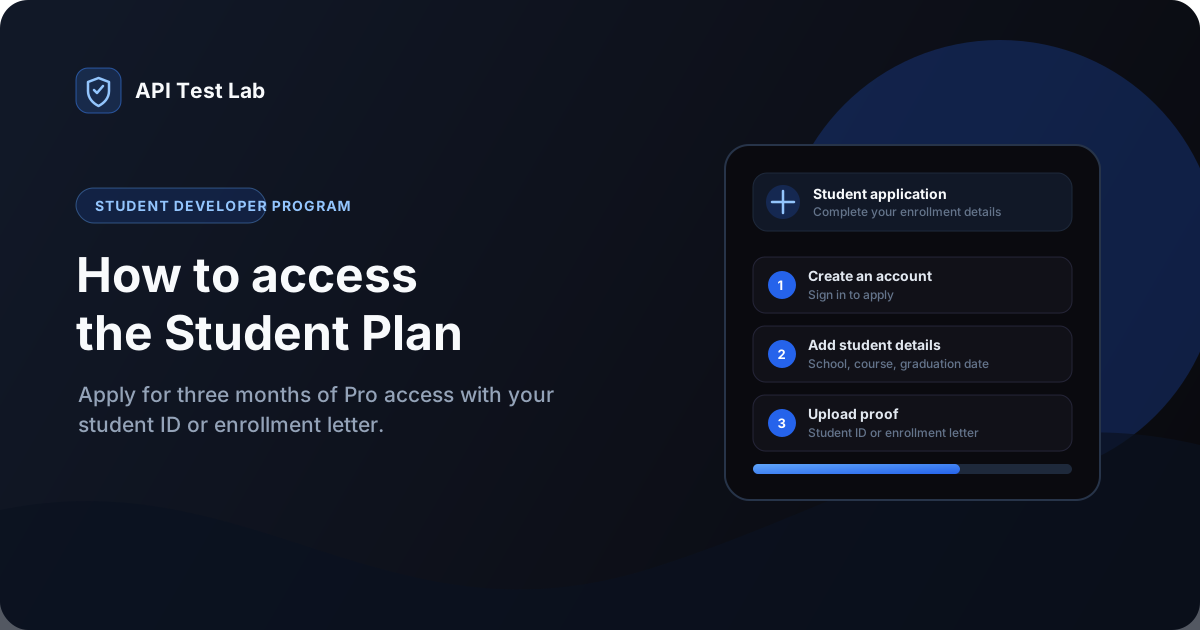
The API Test Lab Student Plan gives eligible students three months of Pro access for API testing, load testing, and related development tools. Access is free, but it is not activated automatically when you sign up: submit an application and wait for the team to review your student proof.
This guide walks through the application, the documents to prepare, and where to check your status.
What the Student Plan includes
After approval, the Student Developer Program enables three months of Pro access. The program page lists API load testing, AI log and test tools, and uptime and latency monitoring among the included benefits. You can compare the current plans on the pricing page.
There is no credit card required to apply. Keep in mind that you must submit student documentation even if you verify a university email address.
Before you start
Prepare the following:
- An API Test Lab account. You must be signed in to submit an application.
- Your school or university name, course, study level, and expected graduation date.
- A clear image or PDF of your student ID card or an enrollment letter.
- Optionally, access to a university email inbox if you want to complete email verification.
The application accepts JPEG, PNG, and PDF documents. Make sure the document is readable and supports your current enrollment. Do not upload unrelated or unnecessary personal files.
How to apply for the Student Plan
1. Open the Student Plan page
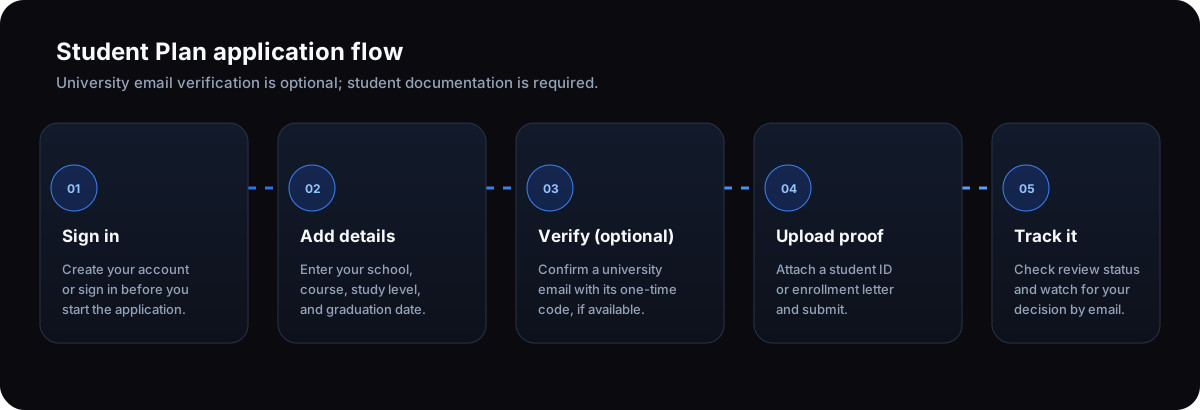
Go to the Student Developer Program and choose Apply for Student Plan. If you are signed out, sign in or create an account first; the site returns you to the application afterward.
2. Enter your personal and academic details
Complete the application with your contact details, school, course, study level, and expected graduation date. Check these fields before continuing so reviewers can match your application to the proof you provide.
3. Optionally verify your university email
If you have a university email address, enter it in the application and request a one-time code. Enter the code to confirm the address. This can help reviewers verify your school affiliation faster, but it is optional. You may skip this step if you use a personal email or do not have access to a university inbox.
Email verification does not replace the student document requirement. Every application still needs a student ID card or enrollment letter for human review.
4. Upload proof and submit the application
Attach a clear student ID card image or an official enrollment letter in JPEG, PNG, or PDF format. Review the form and submit it. The application page takes you to the tracker after a successful submission.
5. Track the review and watch your email
Open Track Student Plan Application to view your application status. The program FAQ says most applications are reviewed within 48 hours, and an email is sent when a decision is made. If the team requests more information, return to the tracker and upload the requested document.
6. Start using Pro after approval
Once approved, your account receives Student Pro access. Visit your dashboard to start using the available tools. The Student Plan FAQ also says enrolled students can apply for another three-month period when their current term ends.
How to protect your application
Upload only the requested student ID or enrollment letter, and check that the file is legible before submitting it. The program page says uploaded student documents are stored in private Cloudflare R2 storage, reviewer links expire after 10 minutes, and documents are automatically deleted 30 days after a review decision.
Common questions
Is the Student Plan available without a university email?
Yes. University email verification is optional. You can apply using another email address, but you must still attach a student ID or enrollment letter.
Do I get Pro as soon as I submit the application?
No. Submission starts the review. Student Pro access is enabled after the application is approved.
What if my application is pending or needs more information?
Use the application tracker to check its status. If additional proof is requested, upload it from the tracker and keep an eye on your email for updates.
Is there a fee or credit card requirement?
No. The Student Plan offers three months of Pro access to approved applicants at no cost, and a credit card is not required to apply.
Apply for student access
Ready to apply? Review the Student Developer Program, prepare your enrollment proof, and start your application. For help getting started with API testing, see our API testing guide for beginners.
More from the blog
Read 3 related articles from our latest posts.